NRAS Application Guide.
STEP 4 - Attaching Forms and Evidence to your 2Apply Application
I’ve already submitted an application via 2Apply:
Great! You can return to your 2Apply profile at any time and update your application by attaching your income evidence and NRAS forms. Alternatively, if all applicants have completed their application, you will have received an email confirming receipt which provided you with an App ID (application ID number). Reply to that email and attach your forms and evidence. We’ll upload it directly to your application.
I’m ready to make an application via 2Apply:
Fantastic! Head on over to our Apply Online link and press the ‘Apply’ button under the property that you’d like to start an application for. This will take you directly to 2Apply where you can begin filling out your application.
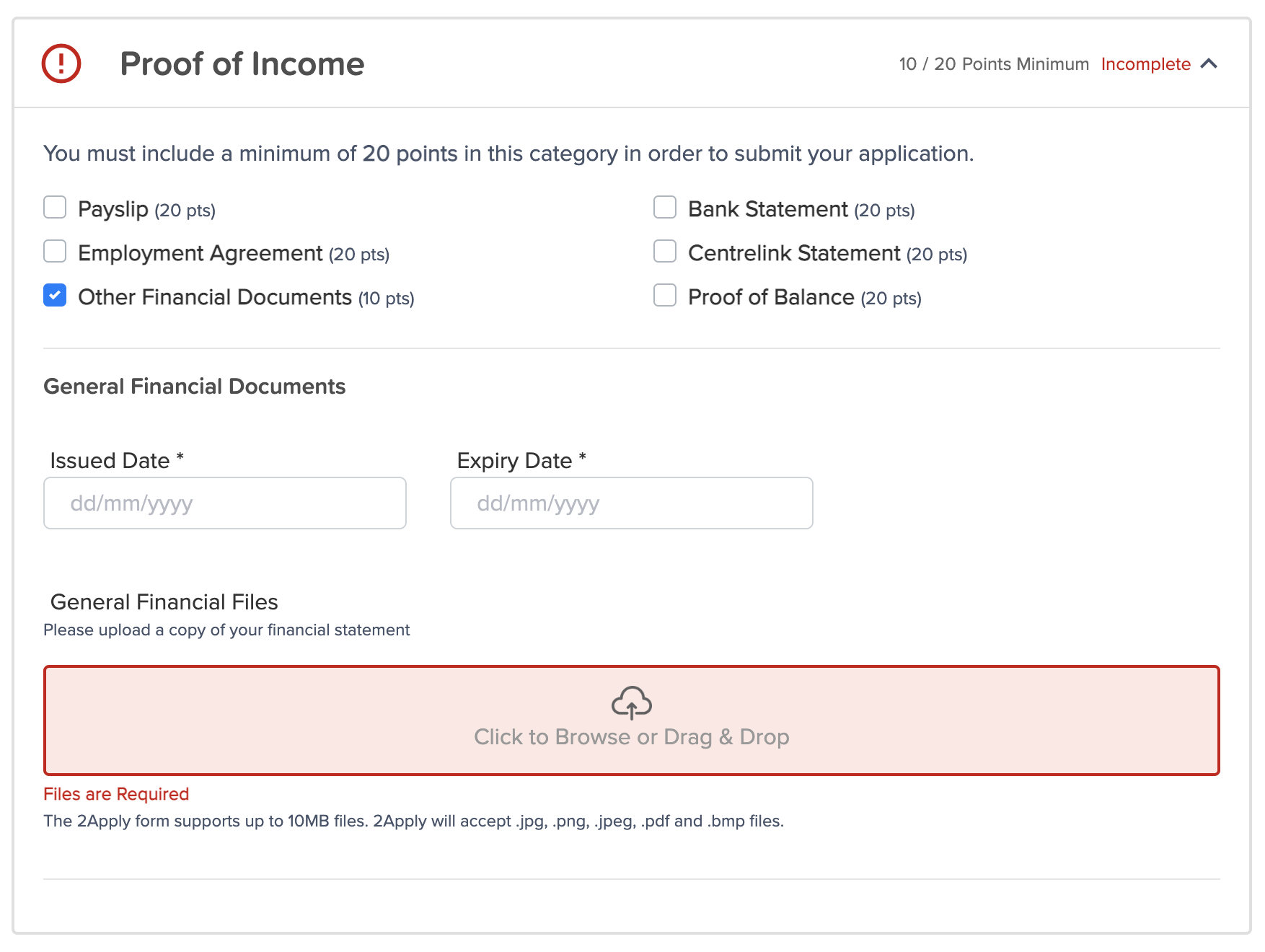
Income evidence can be uploaded under the relevant items under the ‘Proof of Income’ section.
Your Tenant Consent and Tenant Income Assessment forms can also be uploaded in this section - just select ‘Other Financial Documents’ and upload them to that category.
I need help with my 2Apply application:
If you need technical support during your 2Apply application, please scroll to the very bottom of the application page and use 2Apply’s support link. We do not have access to your application until it is submitted and are unable to assist with technical issues or general queries on how to use the 2Apply platform.
I need to apply using a manual paper form:
Manual application forms can be downloaded here and when completed, emailed to enquiries@waltersco.com.au. Please note that 2Apply applications are our preferred application method and are generally processed faster due to automation built into our reference systems. When your manual application is entered into 2Apply you will receive a confirmation email (please allow a minimum of 3 business days for this to occur.)